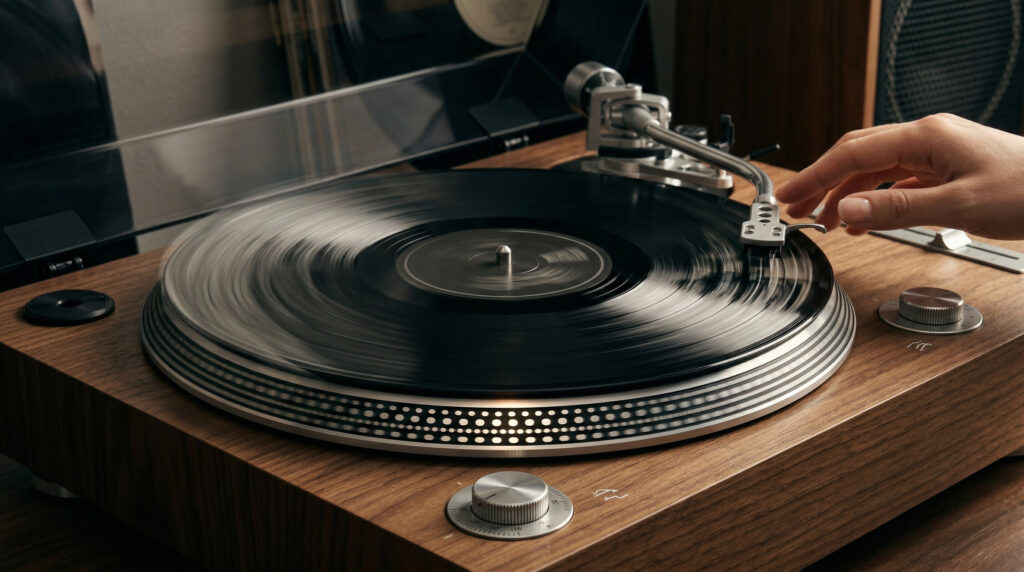
If your record sounds like it’s dragging, warbling, or playing at the wrong pitch, the turntable has a speed problem. The most common causes are a worn or misplaced belt, the wrong speed setting selected, or motor issues. This guide works through each cause in order from most to least common.
First: Identify the Symptom
| Symptom | Most Likely Cause |
|---|---|
| Music sounds too slow, pitch is flat | Belt stretched, wrong speed setting, or motor issue |
| Music sounds too fast, pitch is sharp | Wrong speed setting selected |
| Pitch warbles or wobbles unevenly | Belt slipping intermittently or platter bearing issue |
| Platter not spinning at all | Belt broken or completely off the motor spindle |
| Slow to reach speed, then stabilises | Belt slightly stretched, or motor warming up |
Fix #1 — Check the Speed Setting (Most Common)
Before anything else: confirm the correct speed is selected for the record you’re playing.
| Record Type | Correct Speed | Notes |
|---|---|---|
| Standard 12″ LP album | 33⅓ RPM | Almost all modern albums |
| 7″ single | 45 RPM | Most 7″ records |
| 12″ single / maxi-single | 45 RPM | Check label — some are 33 RPM |
| Shellac 10″ or 12″ (pre-1950s) | 78 RPM | Requires 78 RPM support and correct stylus |
The correct speed is always printed on the record label near the centre. Playing a 33 RPM record at 45 RPM makes it sound fast and high-pitched. Playing a 45 RPM record at 33 RPM makes it sound slow and low-pitched. This is by far the most common speed complaint.
Fix #2 — Inspect and Replace the Belt
On belt-drive turntables, a stretched or misplaced belt is the leading cause of speed that is consistently slightly slow or unstable. The belt loses grip on the motor pulley as it stretches, causing the platter to spin slower than the motor.
How to check: Remove the platter and inspect the belt. A good belt is evenly tensioned with no slack. A stretched belt sags noticeably, feels loose when you stretch it between two fingers, or falls off the pulley when the turntable powers down.
Fix A — Reposition the belt: If the belt has slipped off the motor spindle but is otherwise intact, simply hook it back on. The belt should sit in the groove of the motor pulley, not on top of it.
Fix B — Shrink the belt temporarily: For a mildly stretched belt, soak it in near-boiling water for 5–8 minutes. The rubber contracts slightly. This is a temporary fix — plan on replacing the belt within a few months.
Fix C — Replace the belt: The permanent solution. See our full belt replacement guide for step-by-step instructions. Belts cost $5–$15 and take under 10 minutes to replace.
Fix #3 — Check Belt Position for Speed Changes (Some Models)
Some turntables — including the Arkrocket Discovery II — change speed by moving the belt between two positions on the motor pulley: a smaller diameter for 45 RPM and a larger diameter for 33 RPM. If the belt is in the wrong position, the speed will be wrong regardless of which speed button is selected.
Fix: Remove the platter and check which groove the belt is sitting in. Consult your manual for the correct position for each speed. Move the belt to the correct groove and replace the platter.
Fix #4 — Clean the Platter Bearing
Dust or debris in the centre bearing can increase friction and slow the platter. Remove the platter and inspect the spindle and its socket. Wipe both with a dry lint-free cloth. Apply 1–2 drops of light machine oil (20-weight synthetic, or dedicated turntable bearing oil) to the spindle before replacing the platter. Do not over-oil — excess lubricant attracts dust.
Fix #5 — Motor Issues (Last Resort)
If the belt is new and correctly positioned, the speed setting is correct, and the bearing is clean — but speed is still wrong or unstable — the motor may need attention. Some motors have small trim adjustment screws (usually under the platter or on the underside of the plinth) that allow fine-tuning. Turning clockwise typically increases speed; counterclockwise decreases it. Make very small adjustments and verify with a strobe disc after each change.
A strobe disc (a paper disc with printed patterns that appear stationary at the correct speed under certain light) is the most accurate way to verify speed without equipment. Free printable strobe discs are available online — search “turntable strobe disc 33 45 PDF.”
If motor adjustments don’t resolve the issue, the motor may need professional service or replacement. Contact Arkrocket support at support@arkrocket.com for Arkrocket models.
Watch: Fixing Turntable Speed Problems
Speed Diagnosis Checklist
| Check | Action |
|---|---|
| Speed selector | Confirm correct RPM for the record being played |
| Belt condition | Remove platter — check for stretch, slack, or breakage |
| Belt position | Confirm seated in correct groove on motor pulley |
| Bearing cleanliness | Wipe spindle, apply light oil |
| Motor trim screws | Fine-adjust if other fixes haven’t resolved the issue |
See also: How to Replace a Turntable Belt · Why Is My Record Skipping? · Vinyl 101 Free Course
Interested in the products mentioned? Shop Arkrocket directly:
Browse Arkrocket Record Players →